What you’ll need
- A bunny.net account (log in or sign up for a free trial).
- A GitHub account.
Creating a new repository
Start here if the project is new and you want to base it on a bunny.net template.- Login to the bunny.net dashboard.
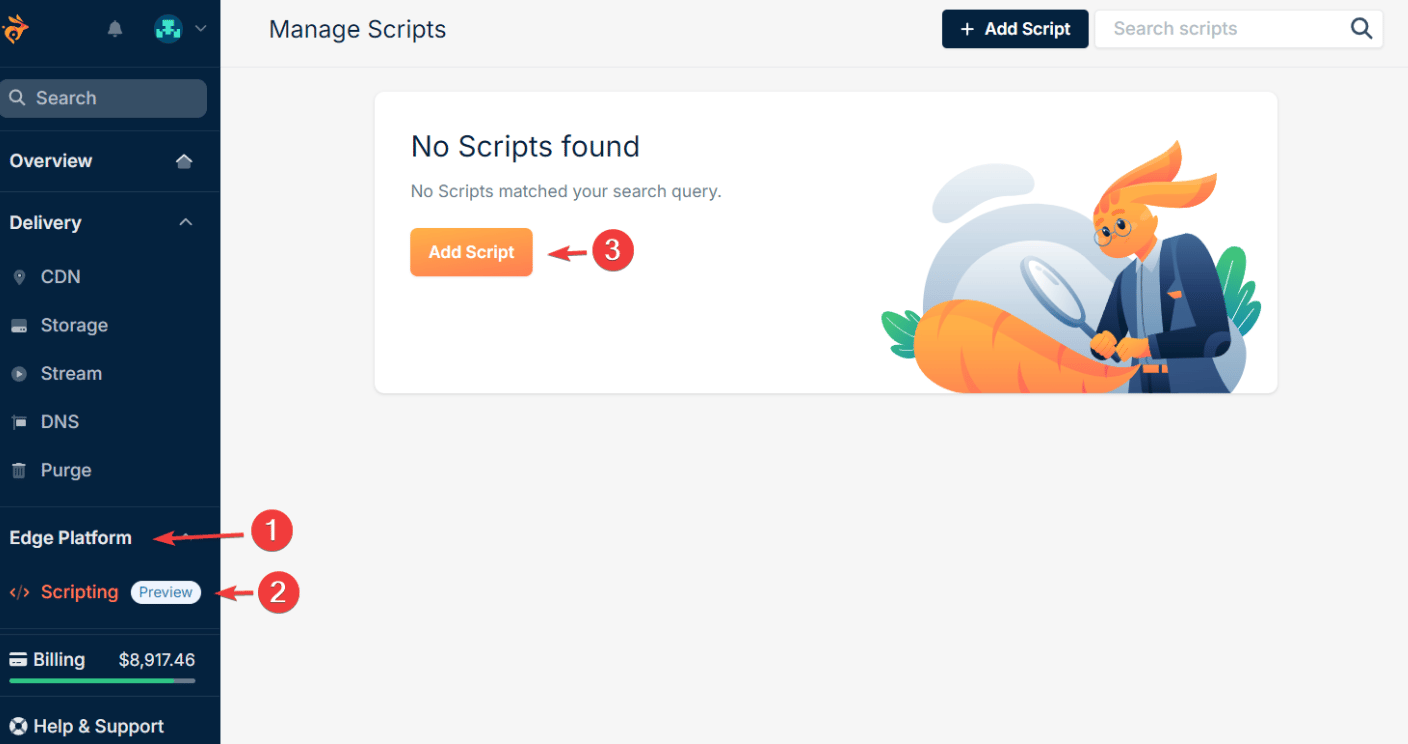
- Navigate to Edge Platform > Scripting and click Add Script.
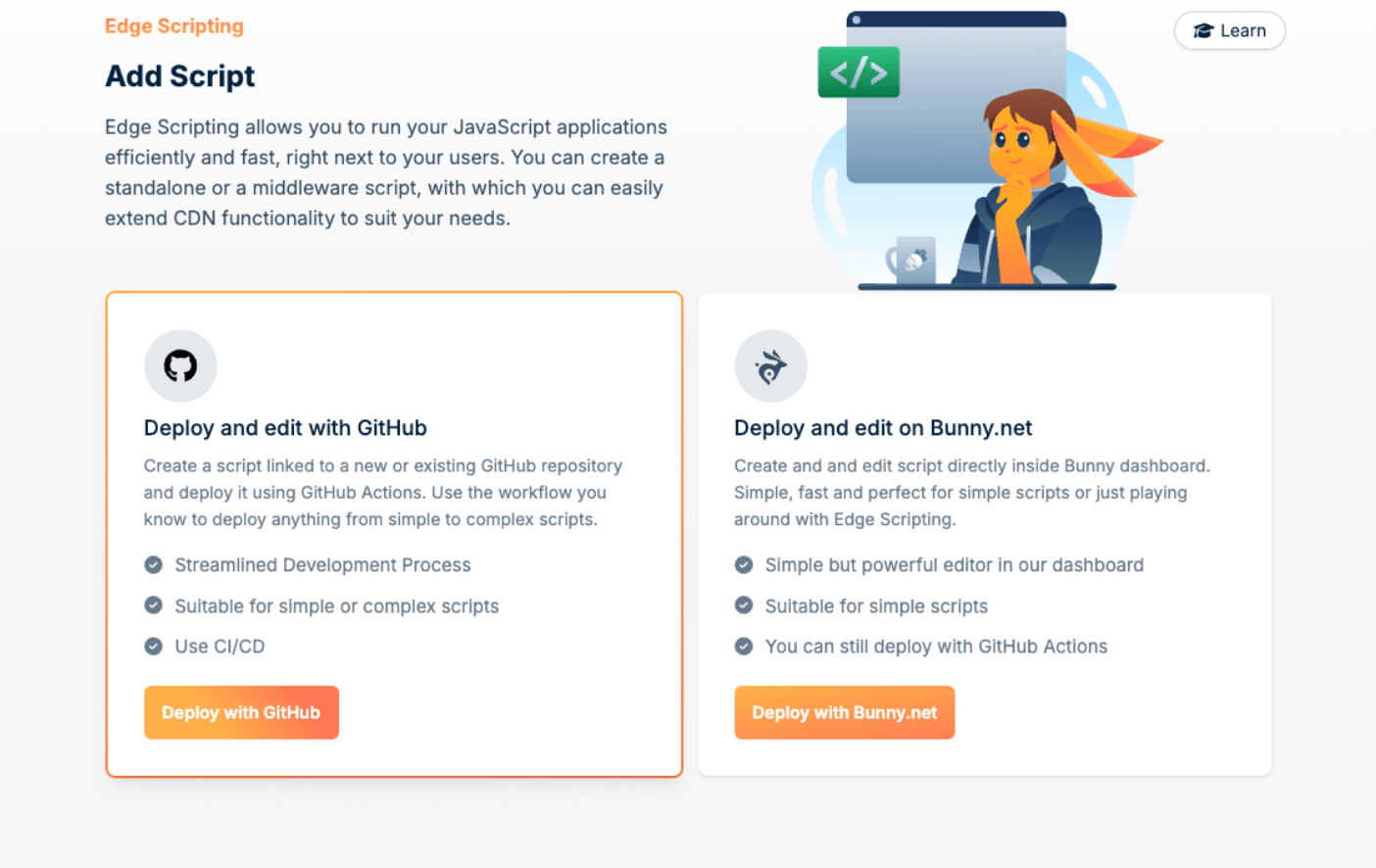
- Choose where the code lives. Deploy and edit on Bunny.net lets you write code directly in the browser and suits simple scripts. Select Deploy and edit with GitHub to keep the code in a GitHub repository.
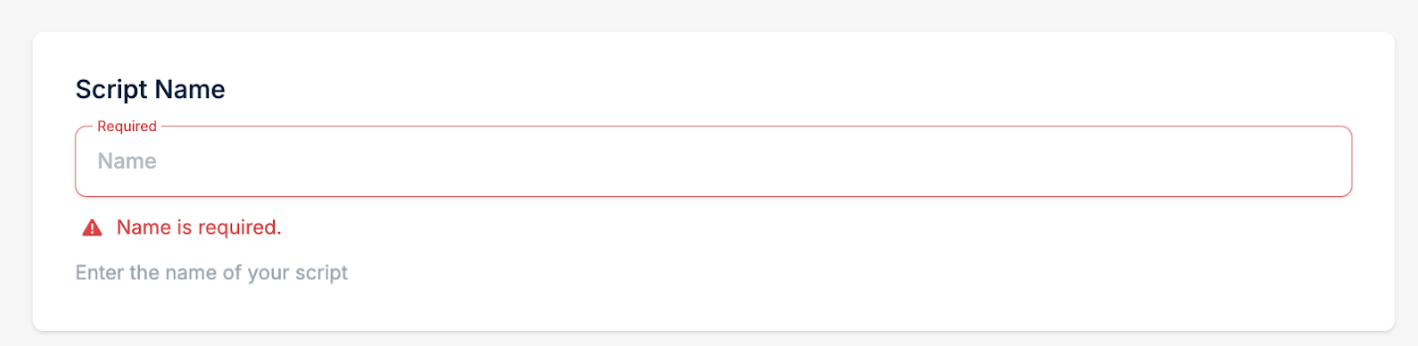
- In the second step of script creation, fill in the Script Name.
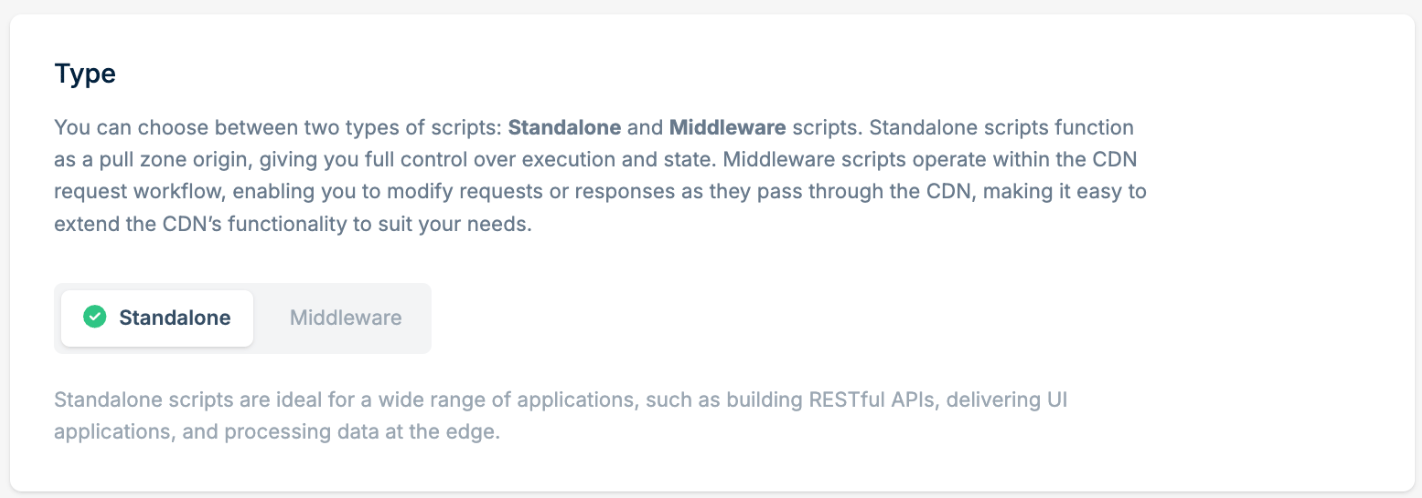
- Select between Standalone or Middleware script type. For more information, see our Script Types documentation.
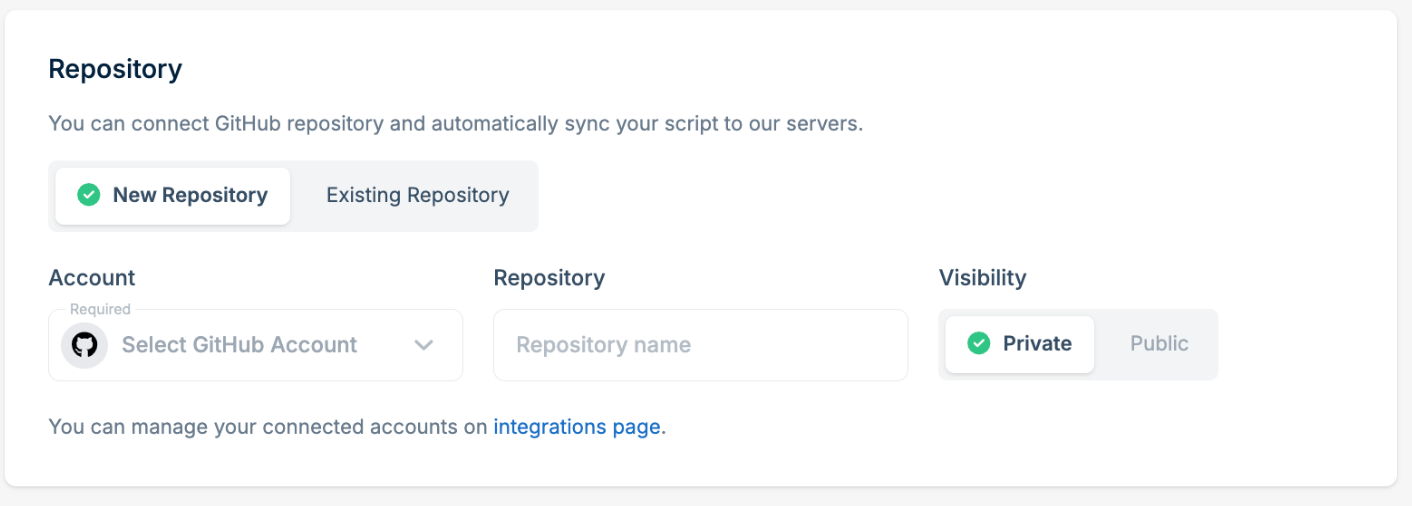
- Use the Repository section to connect the script with the GitHub repository. If you haven’t connected your GitHub account yet, click Connect GitHub Account.

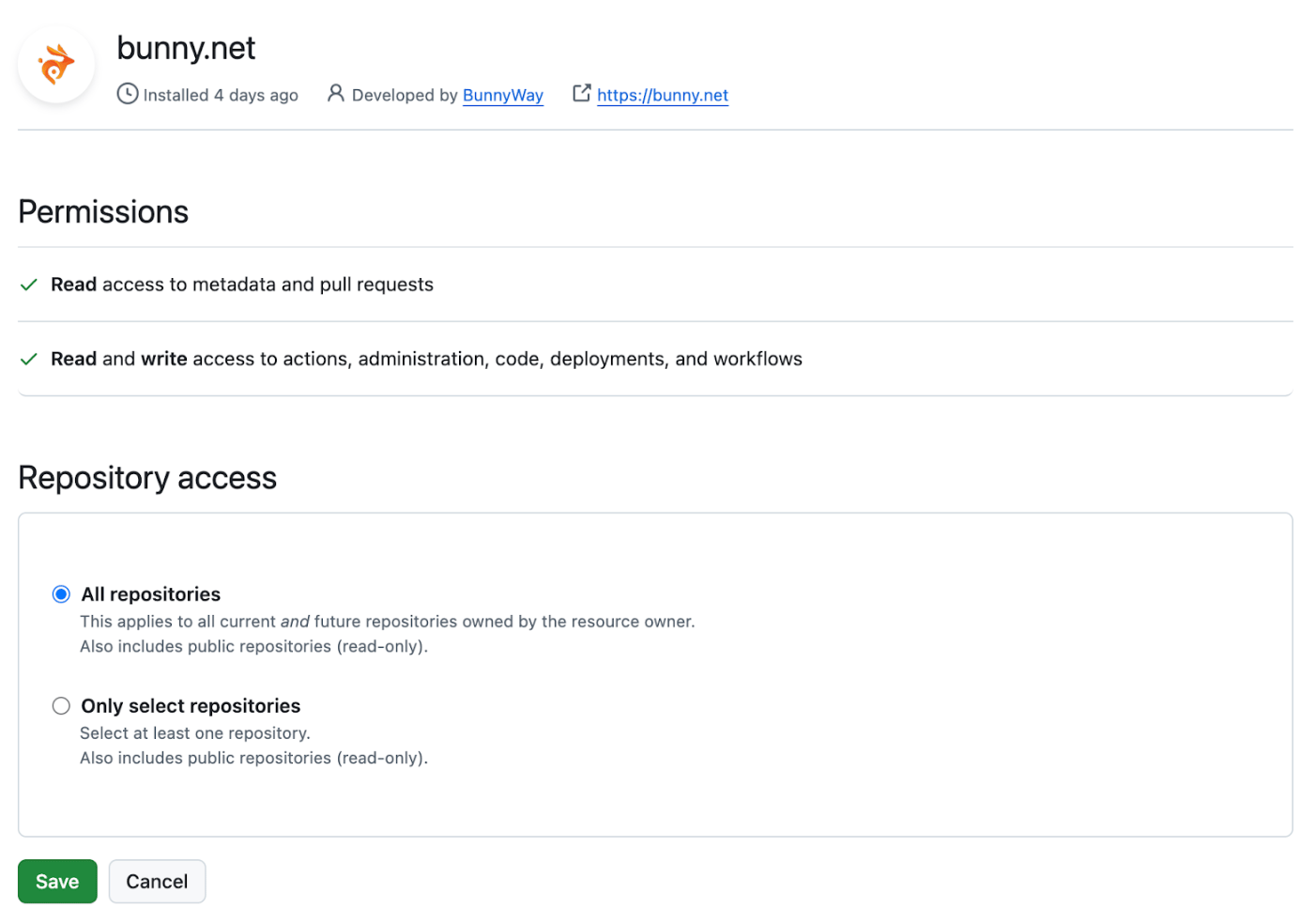
- You will be redirected to the GitHub application permission page, where you can select the repositories that bunny.net can access.
- Select New Repository to create a preconfigured repository based on a template.
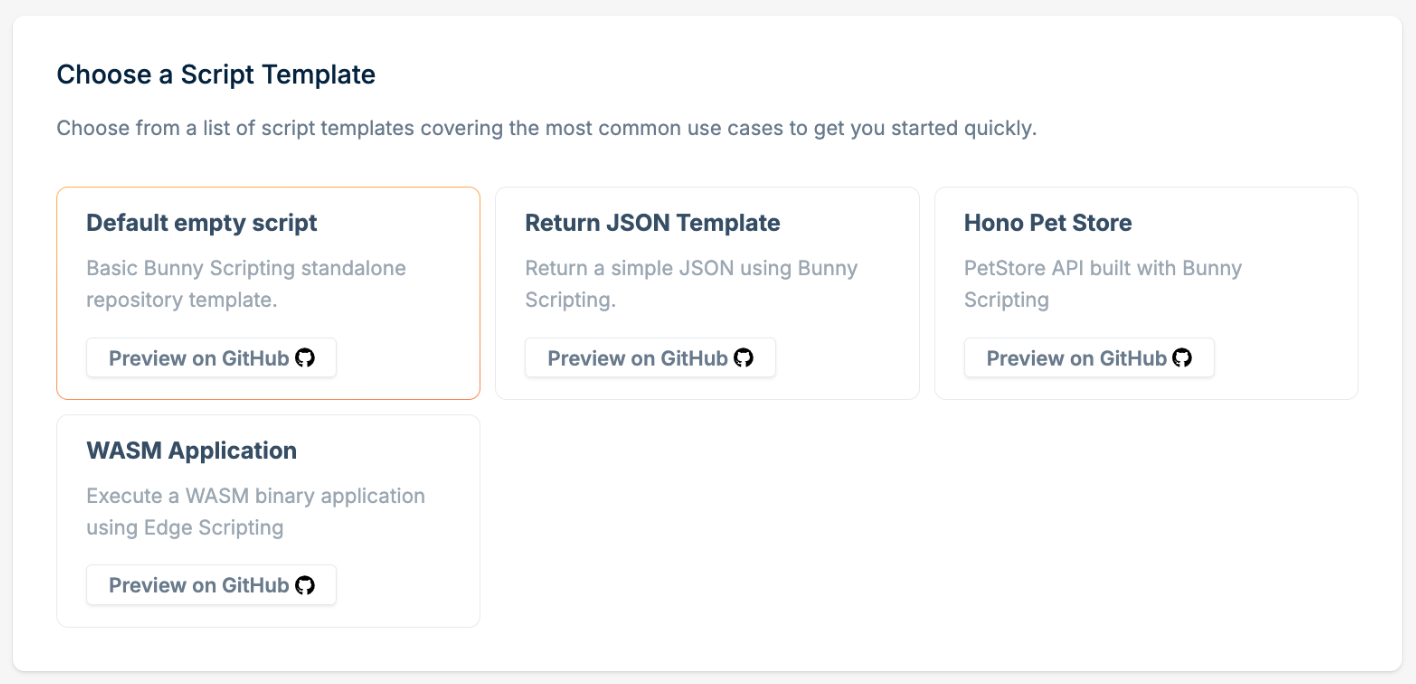
- Choose a script template. Each template is a starting setup for a different scenario. For demo purposes, you can choose the Default empty script.
- Click Add Script.
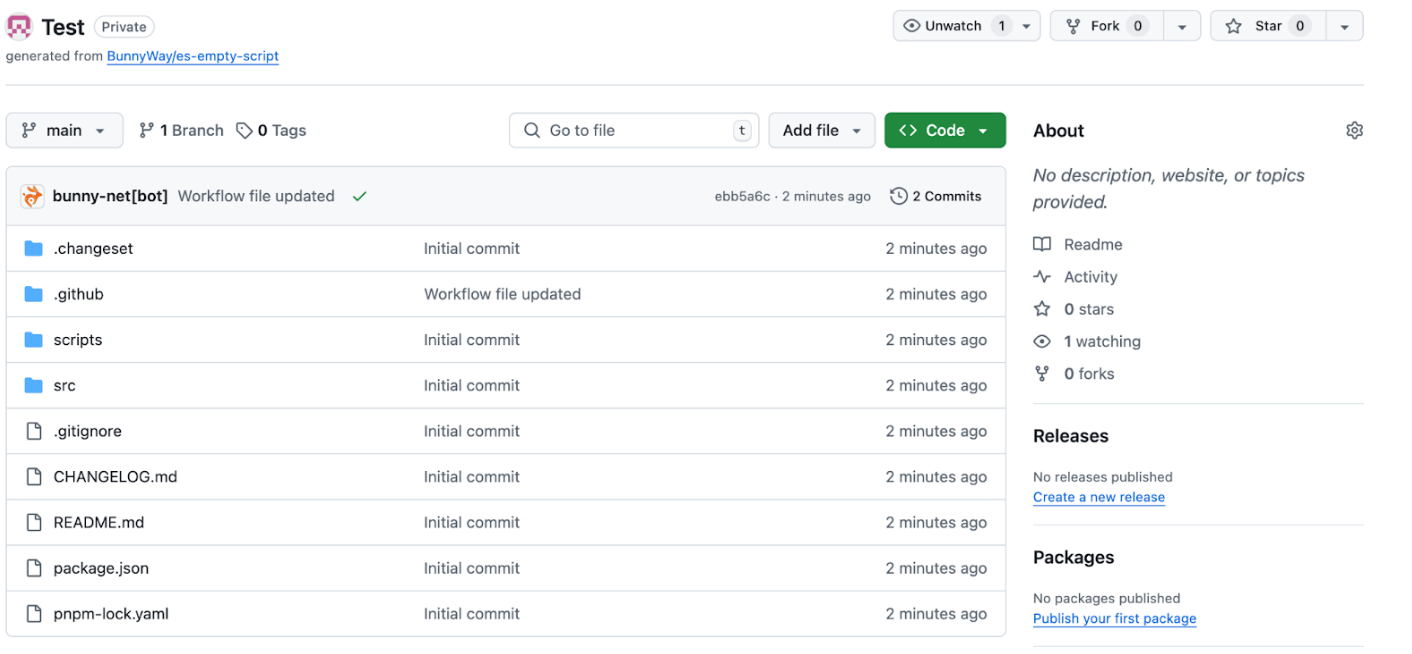
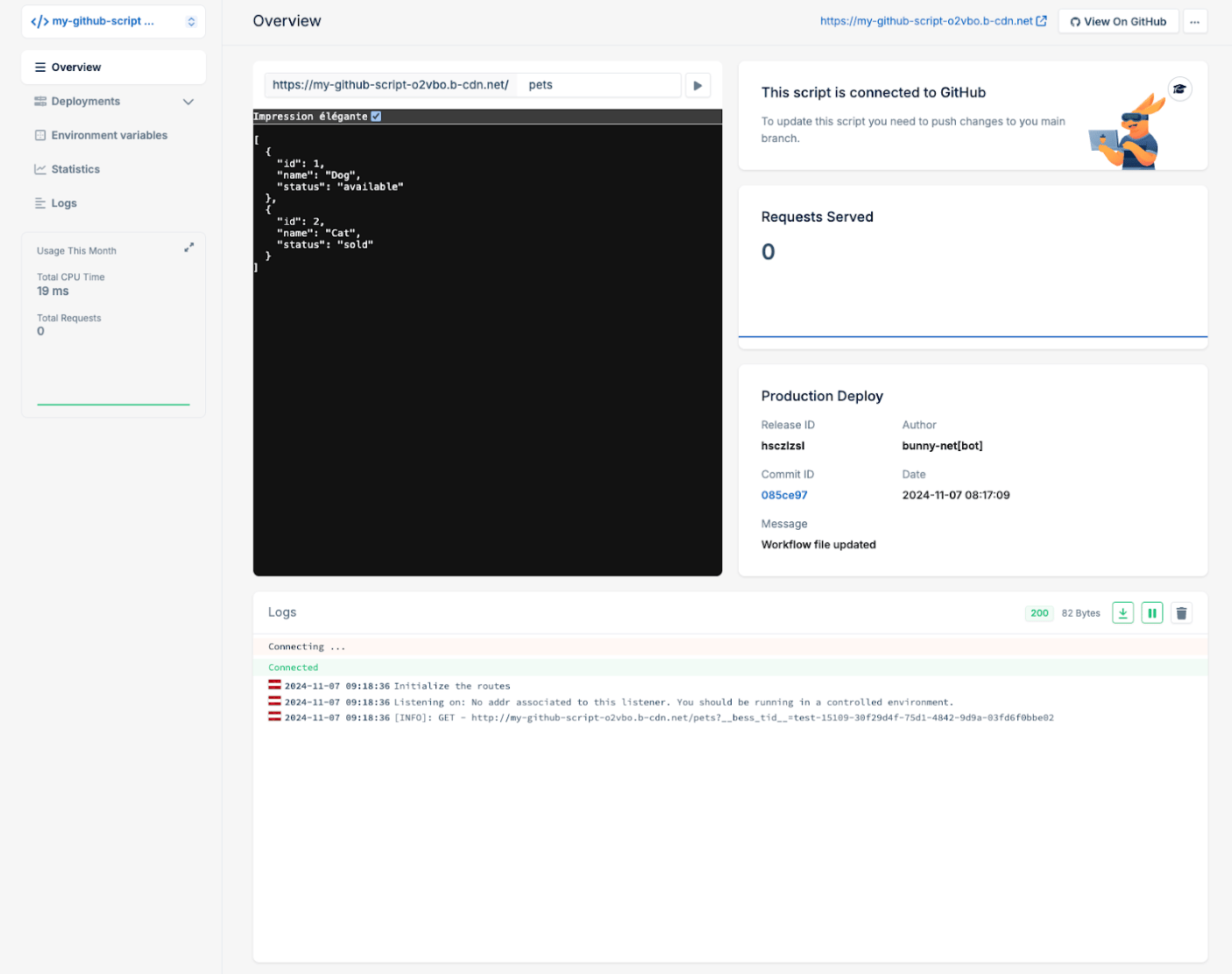
- Your script is now live and ready to be invoked.
The provided templates are starting points for implementing your own application. Use the documentation available within the GitHub repository to learn how to extend it with your application logic, building custom functionality and features as needed.
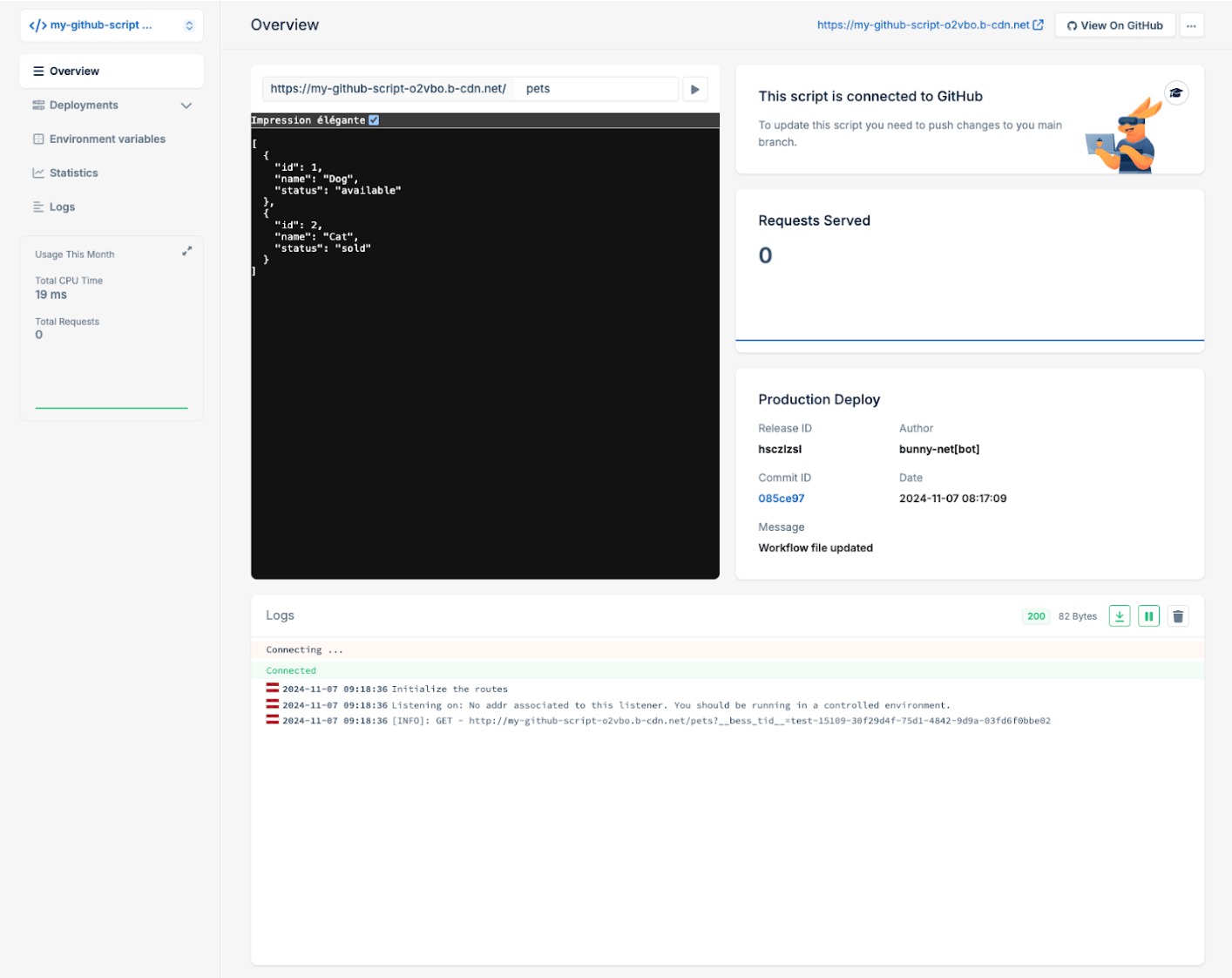
Using an existing repository
Use this option when you already have a JavaScript or TypeScript project you want to deploy to Edge Scripting. The repository should be compatible with Edge Scripting, ideally built on Deno or Node.js, and structured so it can integrate with the Edge Scripting deployment GitHub action. Setup matches the previous section. Follow the steps in Creating a new repository up to Step 7, then continue here:- Select Existing Repository.
- Choose a repository from the list of your existing GitHub repositories. If the repository is not listed, ensure that the bunny.net GitHub app has the appropriate permissions.
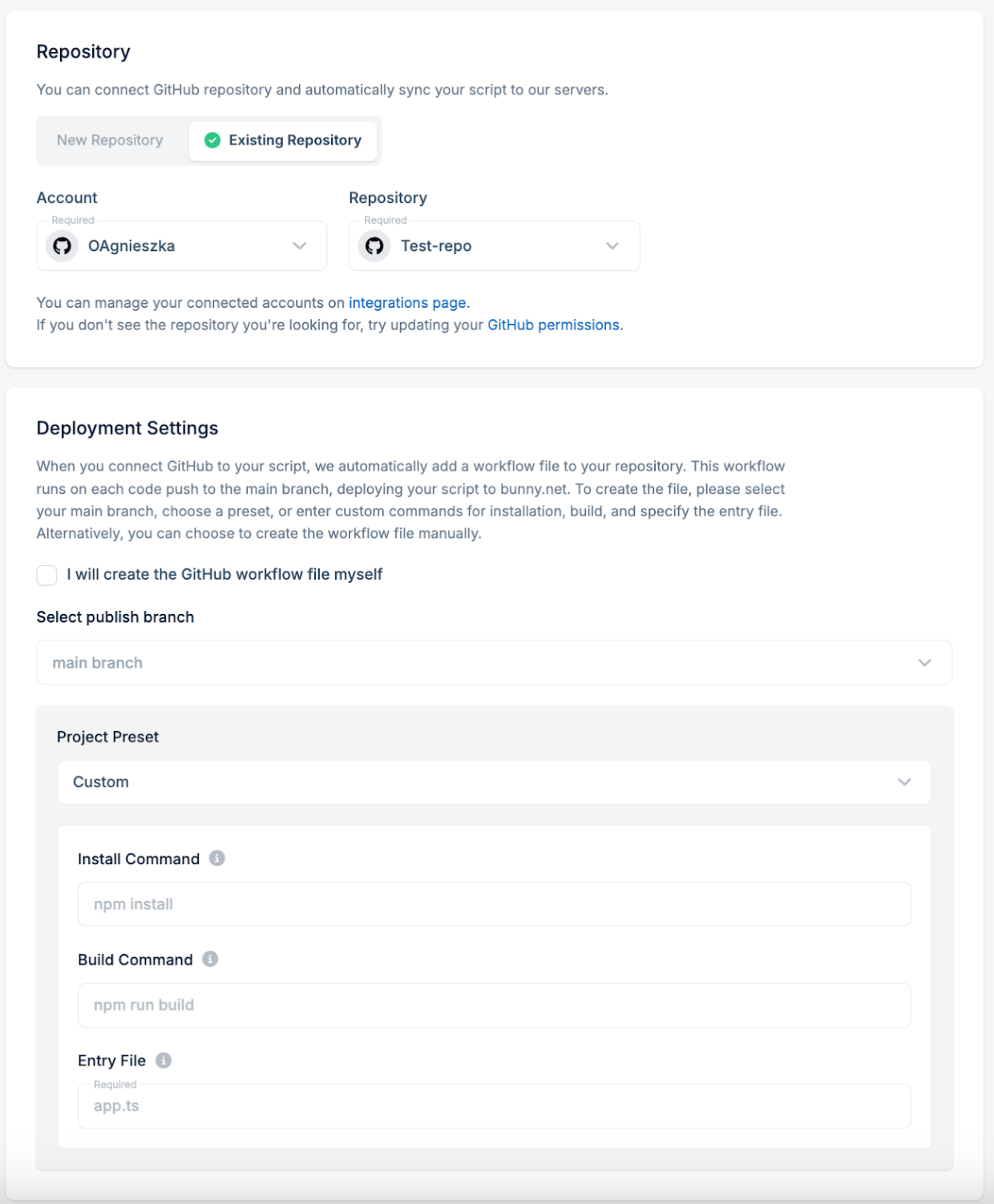
- Next, select a project preset based on the framework used in your project. If needed, adjust the install command, build command, and entry file parameters. A deployment workflow file will be automatically created in your existing repository based on these parameters. If you prefer to create the deployment workflow file yourself, select the I will create the GitHub workflow file myself option.
- Your script is now live and ready to be invoked.